Stability you never notice
A well-matched translator keeps the line between software and hardware calm and predictable, so steady that you forget it is there.

A clear, jargon-free guide to what device drivers are, why they matter, and how they keep your hardware and software working together.
Picture the part of your computer that runs programs as a thoughtful coordinator who speaks one clear language. Now picture each physical component as a specialist who speaks only its own dialect. They must cooperate constantly, yet neither understands the other directly.
A driver sits patiently in between. It accepts a simple, standard request from the system and rewrites it as the exact instructions one specific component expects. When the component answers, the driver translates the reply back again.
This single idea is what makes modern computing feel effortless. The system never has to learn the private language of every component ever made; it only has to ask in a standard way, and a driver handles the rest.
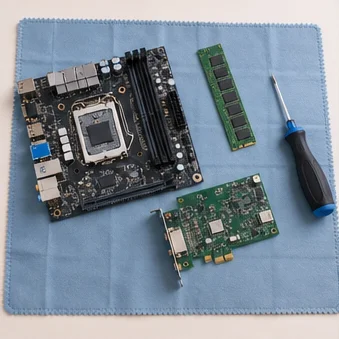
The quality of this translation shapes everything you feel when you use a device, even though you never see it happen.
Identical components. Only the translator changes — and with it, everything you notice.
A well-matched translator keeps the line between software and hardware calm and predictable, so steady that you forget it is there.
The same physical component can feel sluggish or remarkably quick depending entirely on the software guiding it.
Much of what hardware can do stays dormant until the right translator knows precisely how to ask for it.
Follow a single request as it travels from the system, through its translator, to the hardware and back.
The system expresses what it wants in a generic, well-defined way, without knowing the exact device on the other side.
The driver rewrites that request into the specialized vocabulary that one exact component understands.
The component does its work and hands back a result, which the driver translates once more into familiar terms.
This quiet exchange repeats faster than thought, smooth enough to feel like a single seamless experience.
Screens, sound, storage, connections — each component speaks its own dialect, yet every one is reached through the same patient translator. Learn the idea once, and the whole machine starts to make sense.
See every componentPractical driver guides
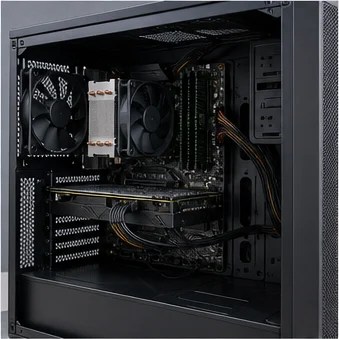
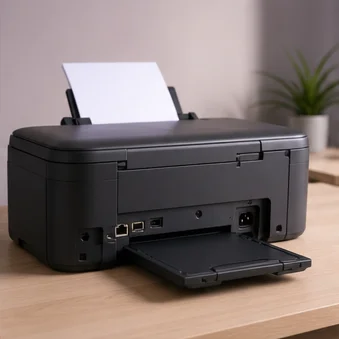
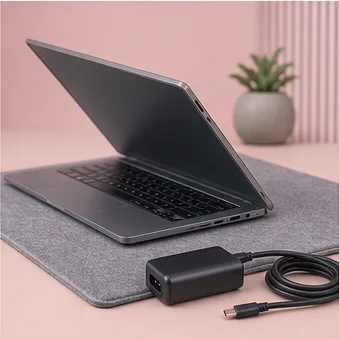
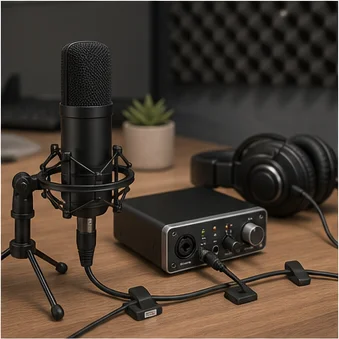
Updating a driver replaces the software that lets your operating system communicate with a device. A compatible update can fix a known problem, address a security issue, or support a system change, but a newer version is not automatically better for every computer. Identify the exact device and operating system first, check Windows Update or the manufacturer’s support site, and keep a recovery option available. These guides explain the update process for computers, laptops, audio, graphics, and printers.
For example, if sound stops working after an operating-system change, the answer may be a compatible audio package rather than updating every device. Check the installed version, read the release notes, and install only the package intended for your hardware. Restart when instructed, then test the same task that failed before. Firmware updates change software inside a device and need their own manufacturer instructions; they are not interchangeable with driver updates.
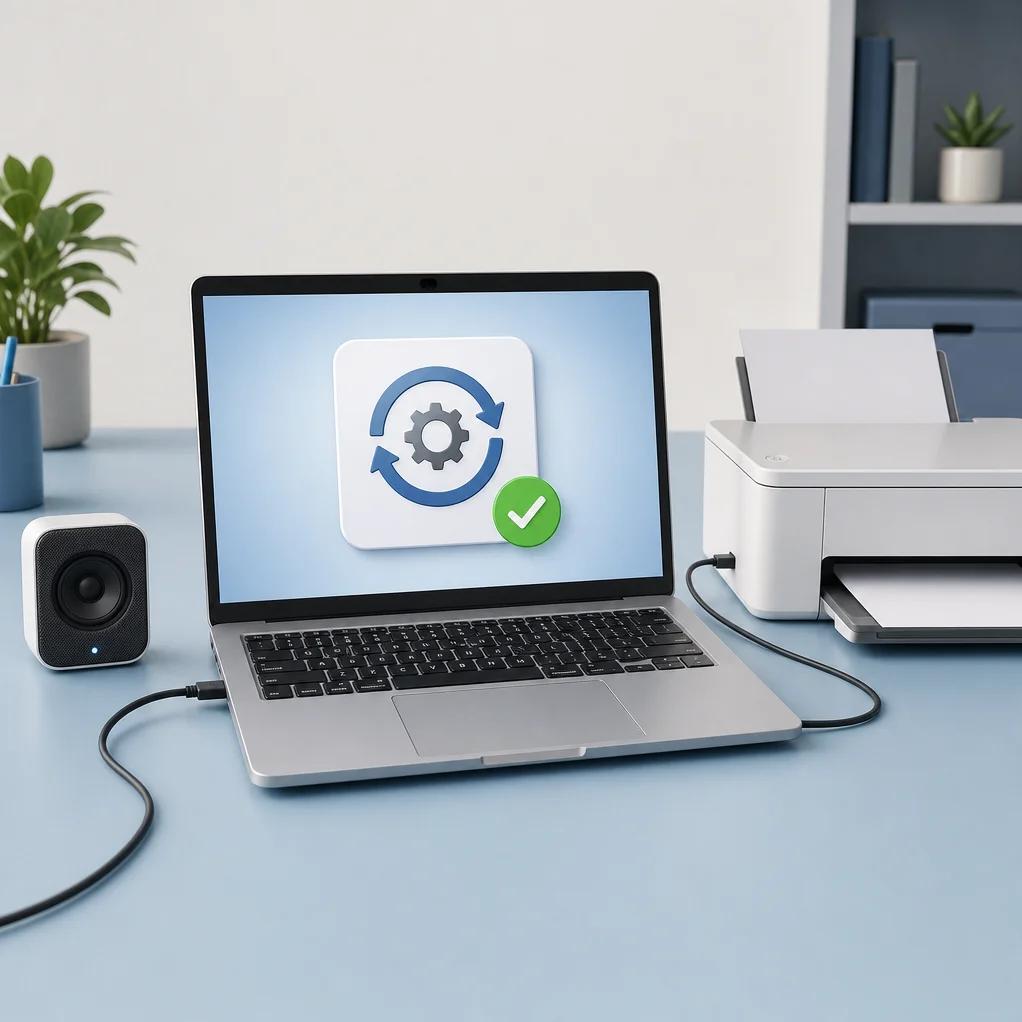
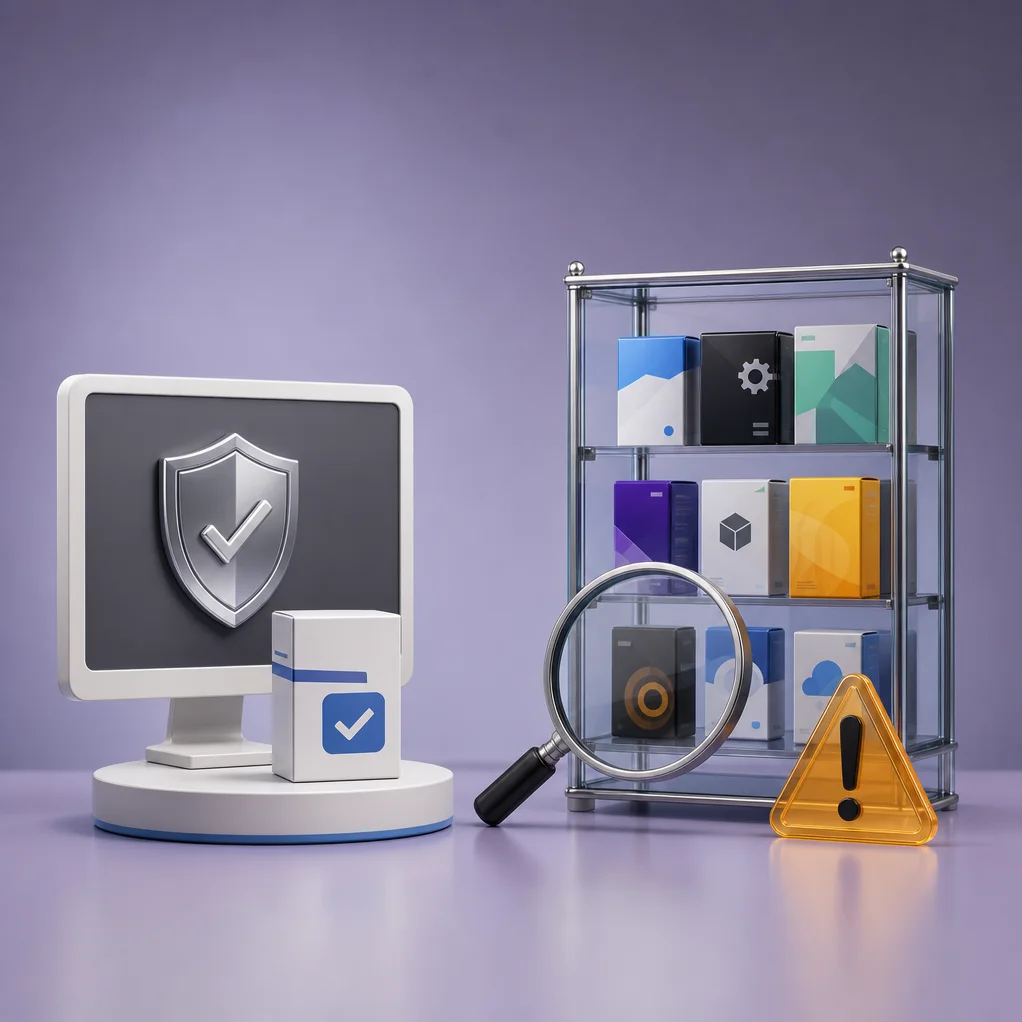
A driver updater is a tool that helps identify and install driver packages. Official options include Windows Update and the device manufacturer’s own support utilities, which provide packages for supported hardware. Third-party updaters search a broader catalogue, but their recommendations can be mismatched, unnecessary, or bundled with unrelated software; a scan result alone does not prove that an update is needed. Prefer official sources, verify the model and operating-system match, and distinguish driver updates from ordinary application updates or firmware changes.
An official utility usually supports a defined product family, while a third-party tool may compare devices against packages from many sources. That wider coverage does not guarantee that a suggested package is suitable for a customised laptop or an older peripheral. Review the publisher, supported models, release notes, and recovery options before accepting a recommendation. Avoid treating a large “outdated drivers” count as proof of a fault, and do not confuse paid cleanup features with a necessary driver repair.
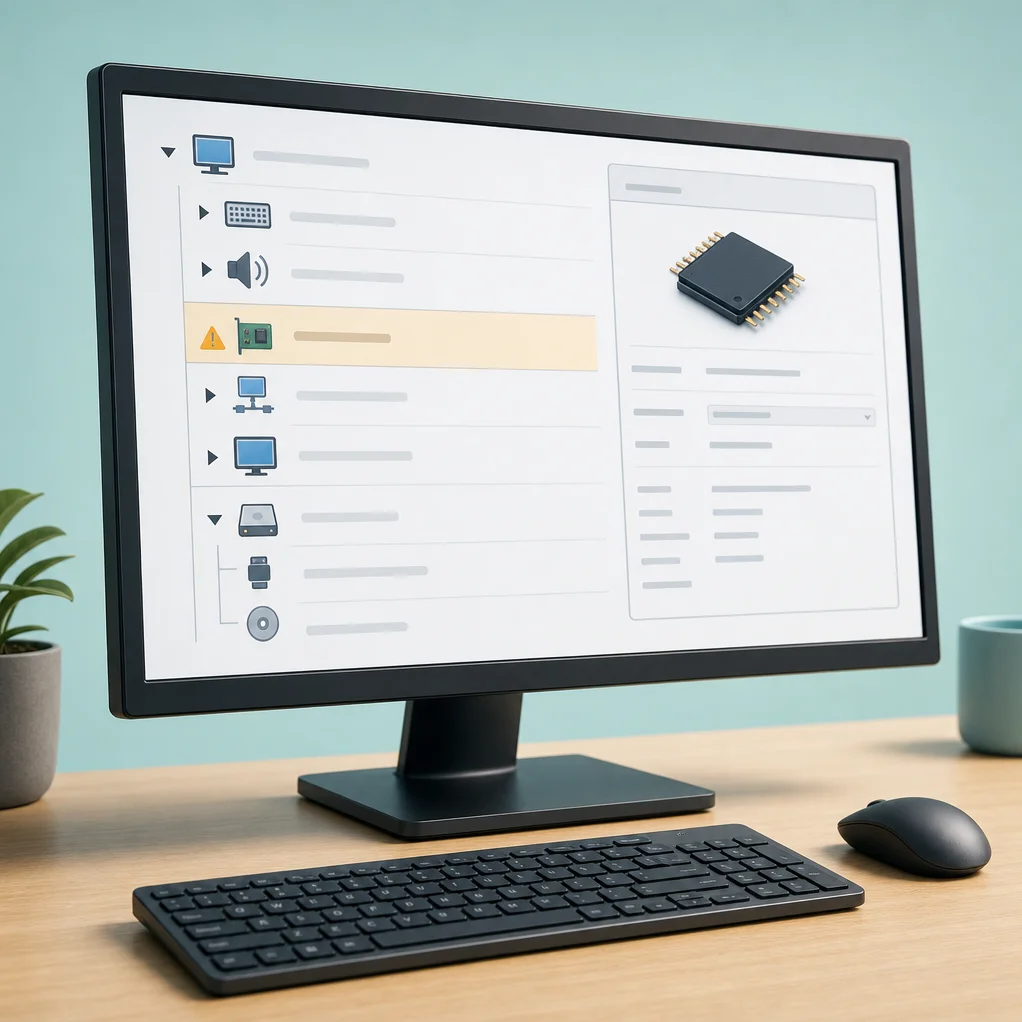
Device Manager is the Windows tool for viewing detected hardware, checking driver versions and device status, and investigating warning icons or unknown devices. It can help you update, roll back, disable, or reinstall an individual device’s driver, but it is not a universal updater and does not always find the newest manufacturer package. Check the device’s properties and hardware identifiers before making changes, and keep an offline recovery plan before removing a network or input driver. Start with the identification and troubleshooting guides below.
Open Device Manager from the Start menu search, expand the relevant hardware category, and open the device’s Properties. The General tab can show a status message or error code; the Driver tab shows provider and version information; and the Details tab can expose hardware identifiers. A warning icon is a clue, not a diagnosis: the cause can also be a connection, power, configuration, or hardware problem. The Roll Back Driver option is only available when a previous package is retained, and uninstalling a device does not guarantee that a replacement driver will be found automatically.
Each kind of component asks for something a little different from its translator, yet all of them rely on the very same idea.
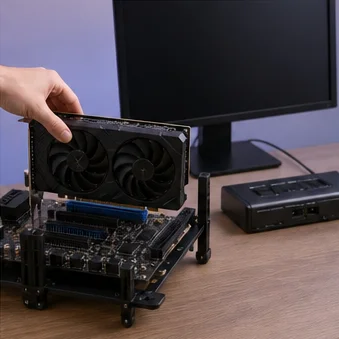
Translating abstract scenes into millions of precise instructions every second.
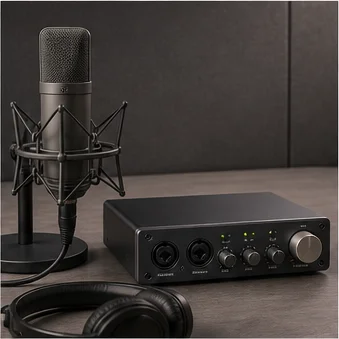
Turning streams of data into sound, and the sounds around us back into data.
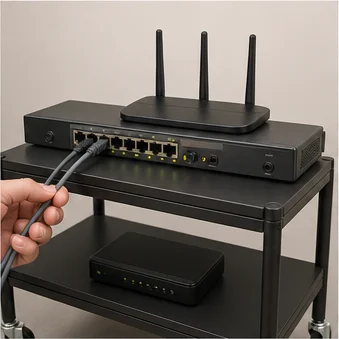
Quietly negotiating signals so information can travel in and out without a thought.
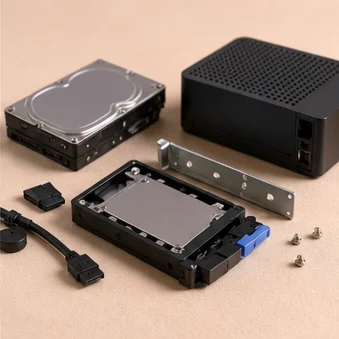
Coordinating the steady flow of data to and from where it lives, balancing speed and reliability.
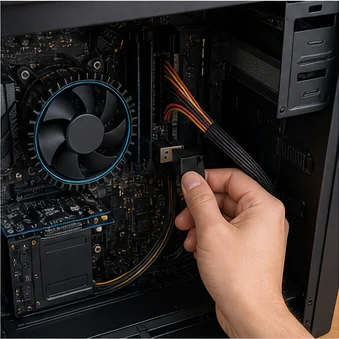
Keeping the central pathways of a system organized so every part can cooperate.
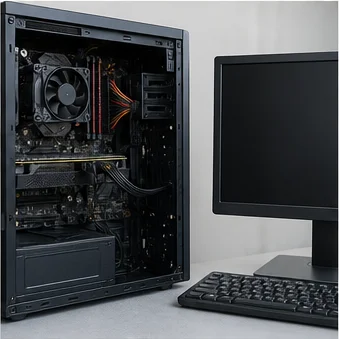
Carrying the smallest gestures into the system as clear, immediate intent.
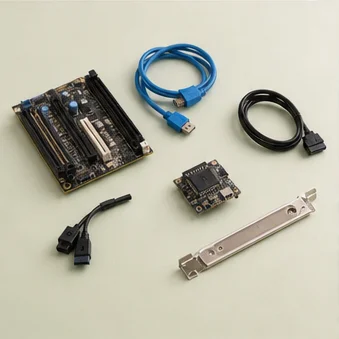
Letting an enormous variety of devices introduce themselves through one shared doorway.
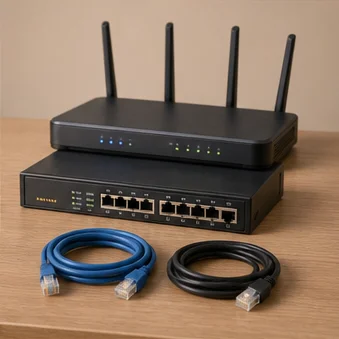
Pairing nearby devices and keeping their short-range conversation steady.
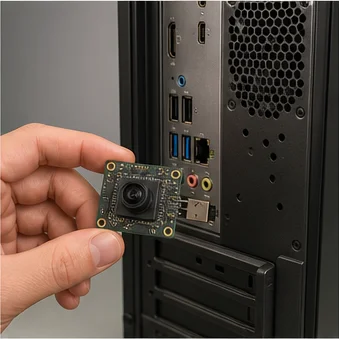
Shaping raw light into orderly frames the rest of the system can use.
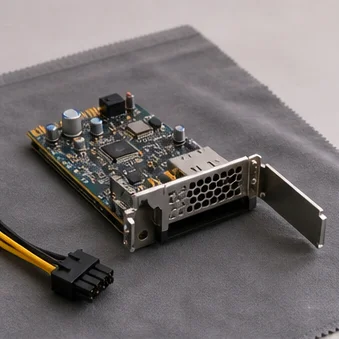
Deciding moment to moment how much energy each component should draw.
Every topic circles the same subject from a different angle. Begin wherever your curiosity points.
Almost every part of a computer leans on a driver of some kind. These are the families you are most likely to meet, each one a quiet translator for a different piece of the machine.
“The best translation is the one you never have to think about.”
The quiet promise of every driver
Calm, careful explanations of the invisible software layer that brings hardware to life.
None of these is cause for alarm. They are simply the small ways a system hints that a translation has drifted out of step.
Smooth motion breaks into uneven steps, a hint that the visual translator and the system are no longer perfectly in step.
Audio crackles, fades, or arrives a beat late, as if the message is being relayed through a tired interpreter.
Something connects and is recognized, yet only the most basic functions respond. A generic translator is standing in for a specific one.
Links that should be effortless become hesitant, dropping and reforming where they once held steady.
Without careful guidance, components draw more than they need, and the cost shows up quietly over a day.
Occasionally the system notices that a translator and its component no longer agree, and says so plainly.
When a component is introduced, a matching translator is paired with it so the system can begin asking for things in its standard language.
Over time the translation is polished. The same hardware can grow more capable as the software guiding it learns to ask better questions.
As the surrounding system evolves, the translator is adjusted so the conversation continues without interruption.
Eventually a component steps aside, and its translator settles into a stable, unchanging form, still understood long after.
Right now, beneath everything on your screen, requests are being rewritten into a dozen private languages and answered before you can blink. A conversation far too fast to see — and far too important to ignore.
Short, friendly definitions for the words that come up most often. No assumptions, no jargon.
Short, plain answers to the questions that come up most. For more, the full reference goes deeper.
Read every questionA device driver is a small program that translates the general requests a computer makes into the specific instructions one particular component understands, and carries the answer back again. It sits quietly in the middle, turning a broad intention into the exact steps a single piece of hardware can follow. Without it, the system and the component would have no shared way to talk.
Wander through the topics, follow the articles, and the quiet machinery behind every device starts to make sense.
We use only essential cookies to keep this educational site working. See our Cookie Notice and Privacy Policy.